Open Tap to Pay
Choose the in-person payment option for the customer and amount you are collecting.
Accept contactless card and digital wallet payments in person, then keep each payment connected to the customer, job, invoice, and service history in BetterFlow.
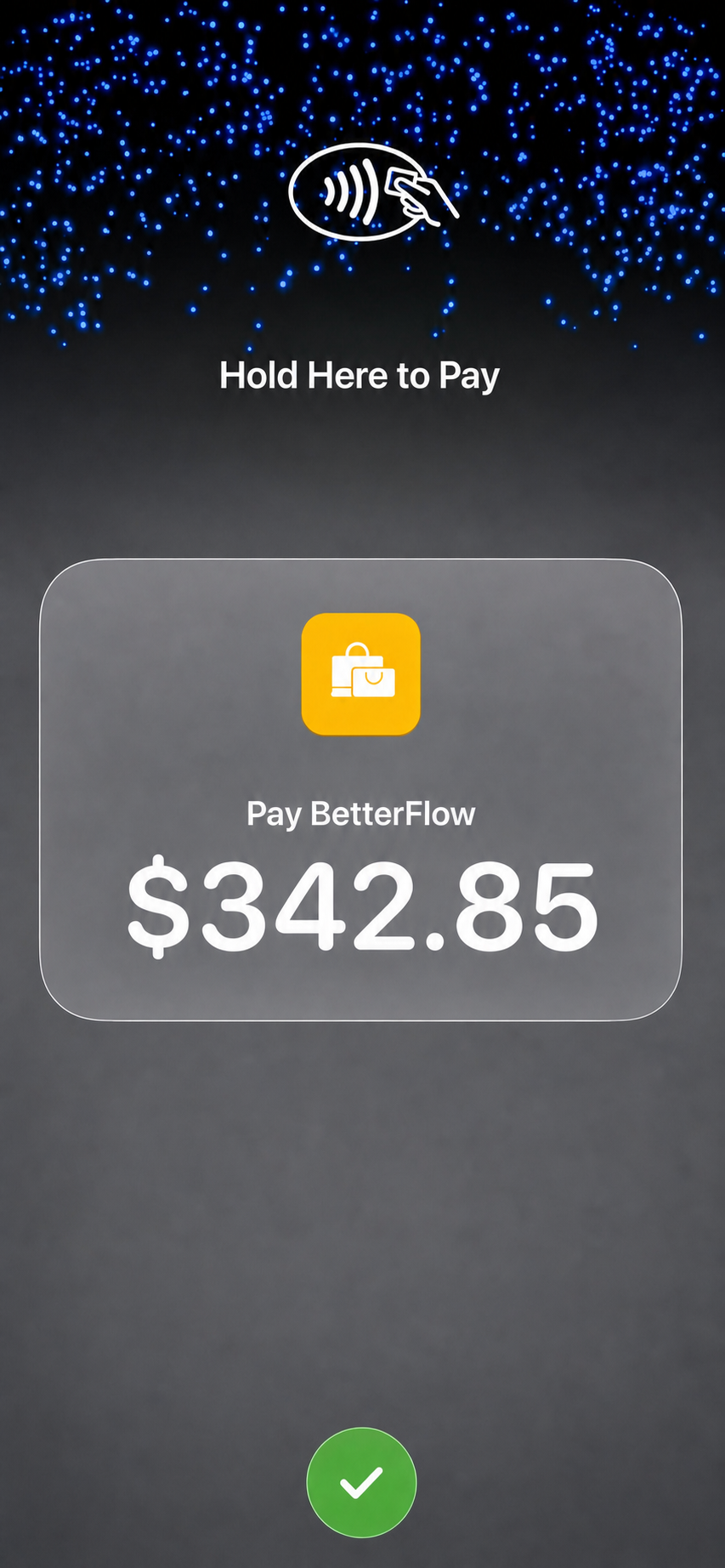
Service businesses often finish work face to face. Tap to Pay gives the customer a simple way to pay on the spot, reducing the gap between completed work and collected revenue.
BetterFlow brings the in-person payment into the same operating flow as booking, customer details, estimates, invoices, and follow-up.
When Tap to Pay is available and configured on an eligible device, the payment can happen in three simple steps.
Choose the in-person payment option for the customer and amount you are collecting.
The customer uses a supported contactless card or digital wallet at the prompted area of the device.
Once approved, keep the payment result with the customer and service record so the next action is clear.
Collect after cleaning, repairs, landscaping, plumbing, painting, or another completed visit.
Take payment after detailing, mobile repair, inspection, tinting, or roadside work.
Collect an approved amount during an on-site maintenance or facility service visit.
Accept a contactless balance or add-on payment while working with the customer in person.
Let the customer pay at the end of a scheduled service without sending them elsewhere.
Turn an eligible phone into the payment point while working away from a fixed counter.
No separate readerNot every customer pays in the same place. BetterFlow supports an in-person collection moment with Tap to Pay and a remote collection path with payment links, while invoices and customer history stay visible around both.
Share a few details and your email app will prepare a message for the BetterFlow team. You can review it before sending.
Availability, device eligibility, supported payment methods, and processing requirements can depend on the payment provider and location.
Tap to Pay lets an eligible phone accept an in-person contactless card or digital wallet payment without a separate card reader.
It is useful when a customer is present and ready to pay after a visit, appointment, delivery, event, or completed job.
Customers can hold a supported contactless card or digital wallet near the eligible device when Tap to Pay is available and configured.
BetterFlow keeps the payment in the same operating workflow as the customer, service, invoice, and payment history.