Public booking requests
Let customers submit the service, preferred timing, contact information, and request details online.
Give customers a simple way to request service, review the details, and keep every approved appointment connected to the customer, estimate, invoice, and payment.
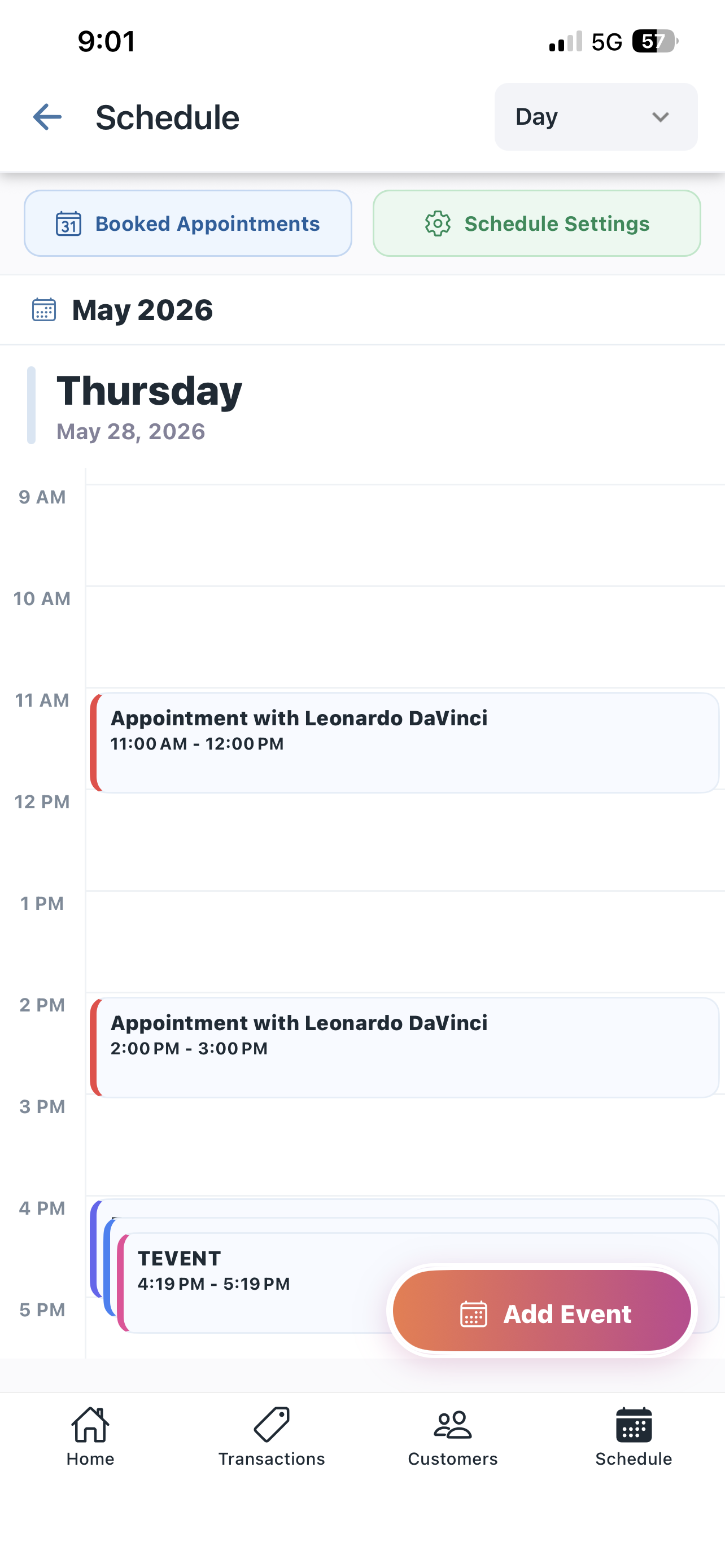
BetterFlow helps service businesses manage more than a calendar slot. Every appointment can carry the customer and financial context needed before and after the visit.
Let customers submit the service, preferred timing, contact information, and request details online.
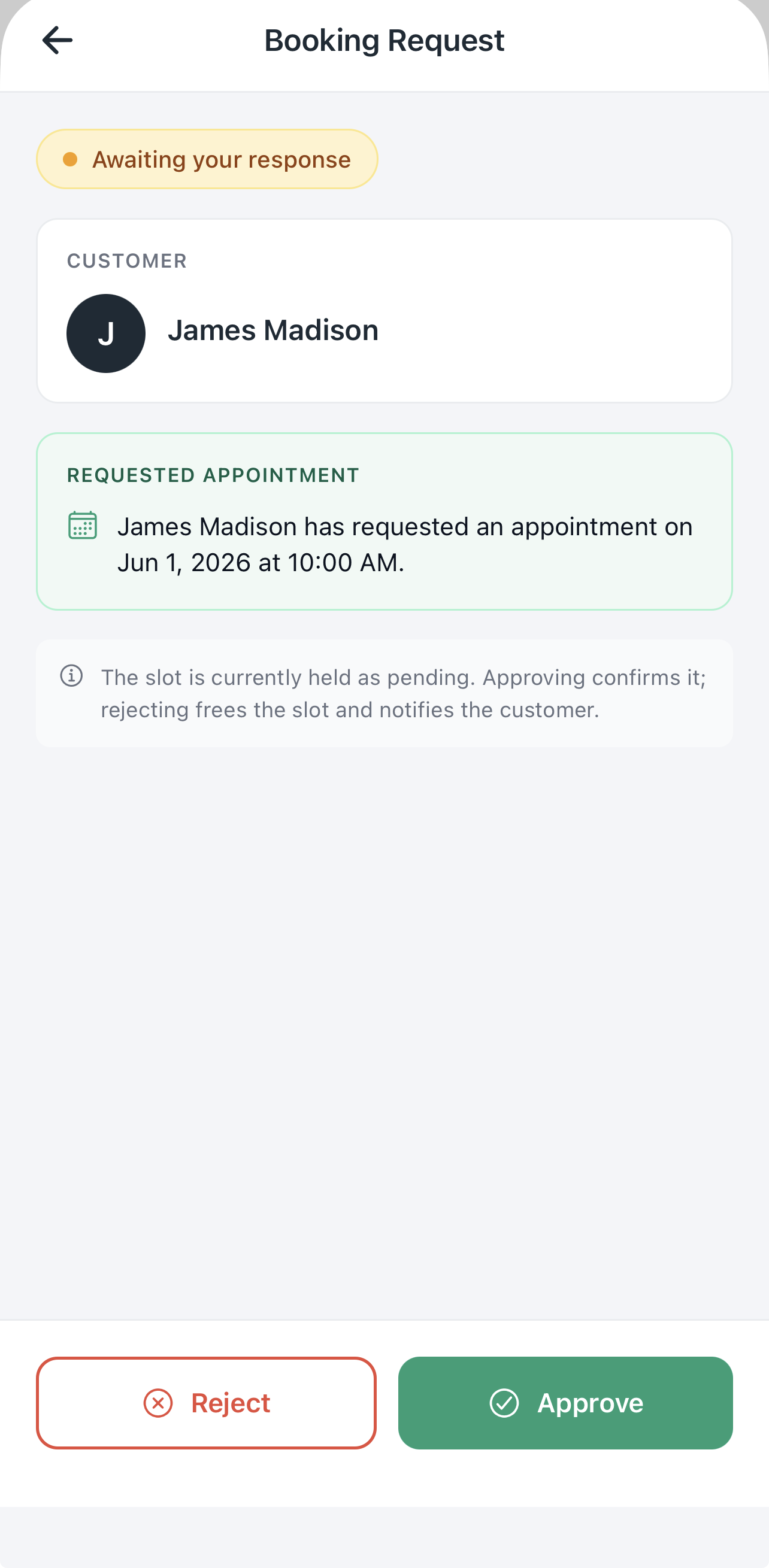
Review pending requests before confirming them so the schedule reflects work you can actually take.
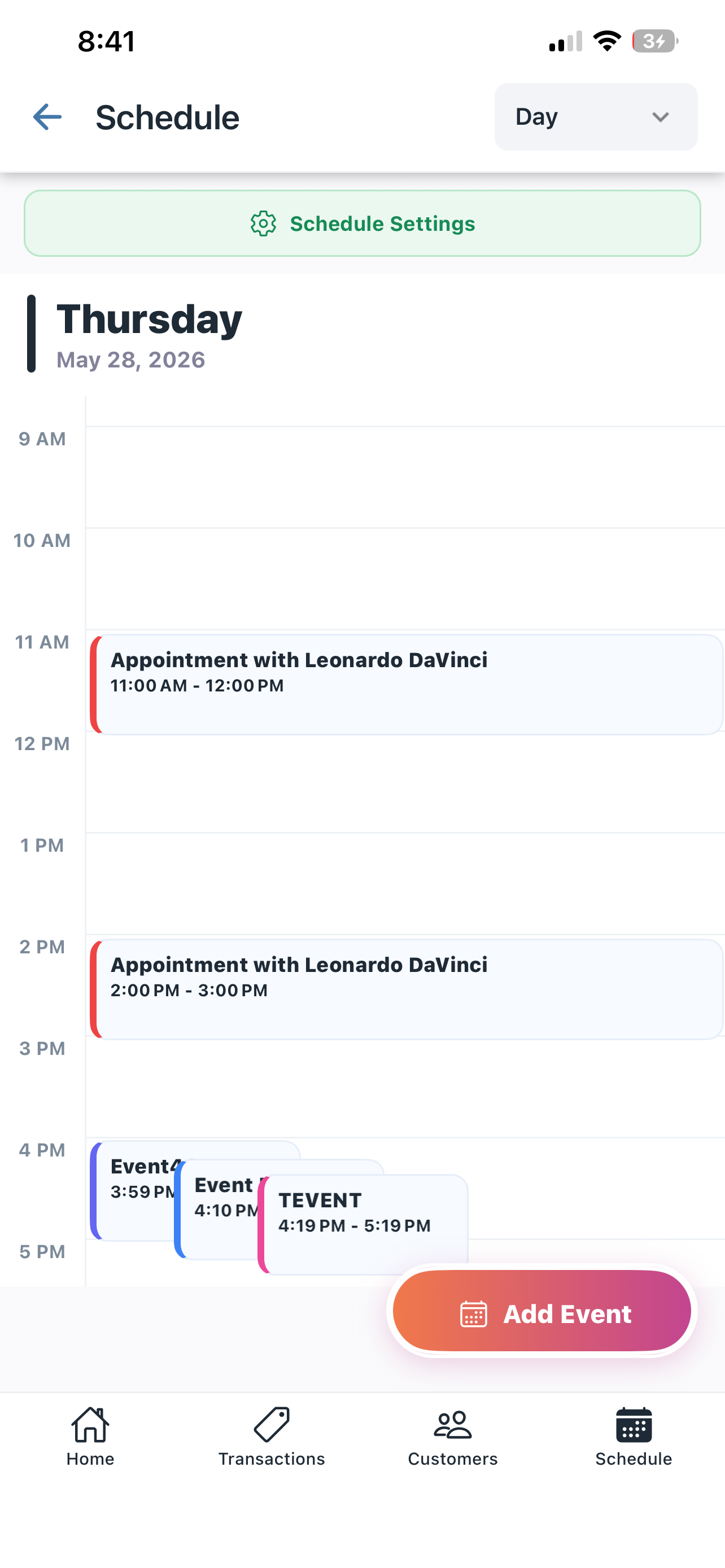
See the work ahead by time, customer, and appointment without searching across separate tools.
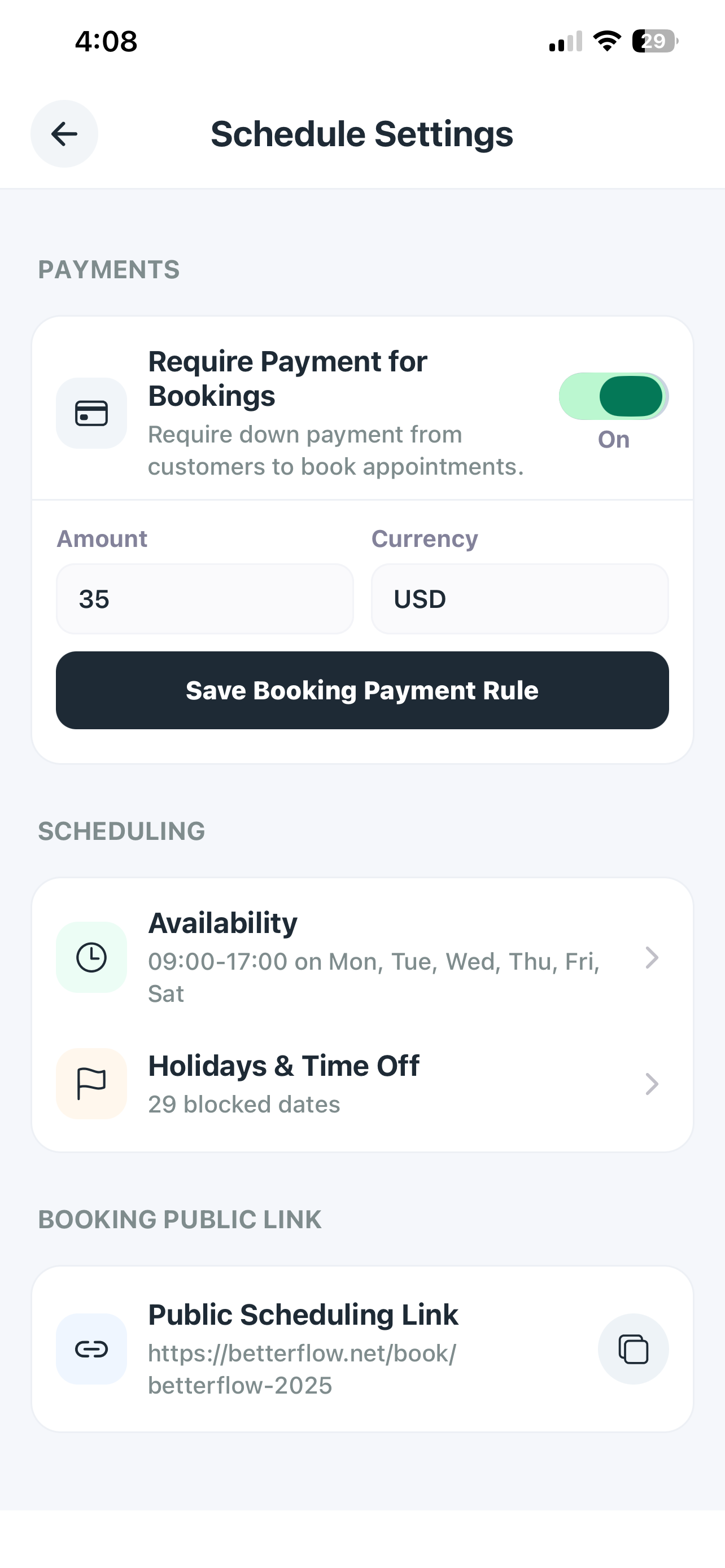
Set working hours, blocked dates, holidays, and time off around the way your business operates.
Configure an upfront payment when the service requires a deposit or paid reservation.
Move from scheduled work to estimates, invoices, payment requests, and customer history.
Your public booking page can collect requests while you are working, driving, or away from the phone. You stay in control of which requests are approved.
They choose a service and share the timing and details you need.
Confirm the fit, timing, and payment requirements before approving.
Keep the appointment connected to customer history and the next financial step.
Use BetterFlow when work happens at customer homes, commercial sites, garages, events, or scheduled appointments.
Share a few details and your email app will prepare a message for the BetterFlow team. You can review it before sending.
BetterFlow combines online requests, approval control, schedule visibility, and connected customer follow-up.
Yes. A public booking page gives customers a way to submit their service and timing details online.
BetterFlow can keep a request pending for review so you can approve or reject it before confirming the time.
Scheduling settings can define working hours, blocked dates, holidays, and other availability controls.
Yes. The appointment can stay connected to the customer record and the estimates, invoices, or payment requests that follow.