Customer intake
Start with a customer request, inquiry, booking need, or service question.
Schedule appointments, manage customer details, send invoices, and request payments from one BetterFlow workflow.
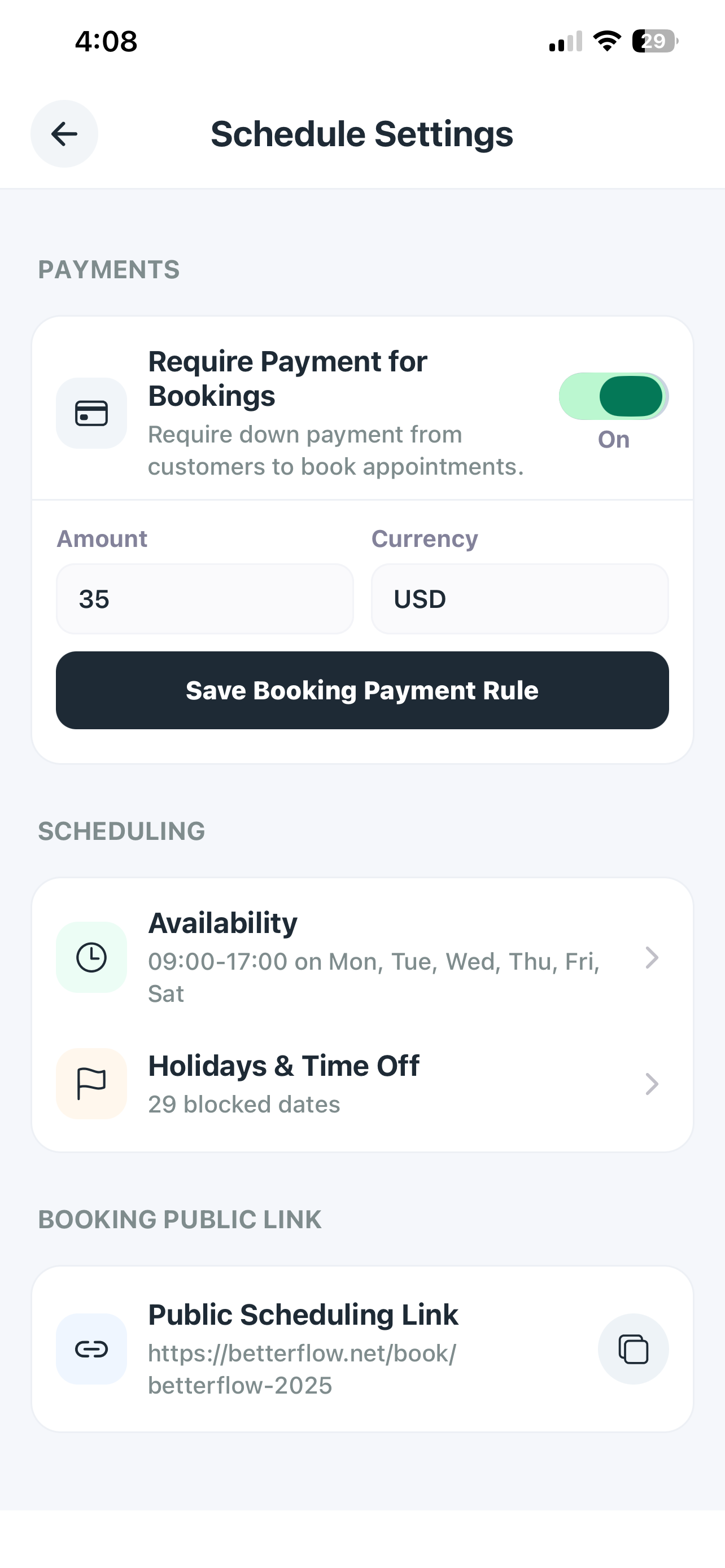
Appointments create revenue only when they stay connected to follow-up, invoices, and payment collection.
BetterFlow makes scheduling part of the same workflow as customer history and payments.
A fuller look at the pieces a service business needs when a customer moves from interest to scheduled work to payment.
Start with a customer request, inquiry, booking need, or service question.
Keep the appointment, scope, customer record, and service notes connected.
Move financial documents into the same workflow instead of starting over elsewhere.
Send a payment link and track whether the customer has paid or still needs follow-up.
Use past service context to prepare the next call, visit, invoice, or follow-up.
Reduce the number of places owners need to check before deciding what to do next.
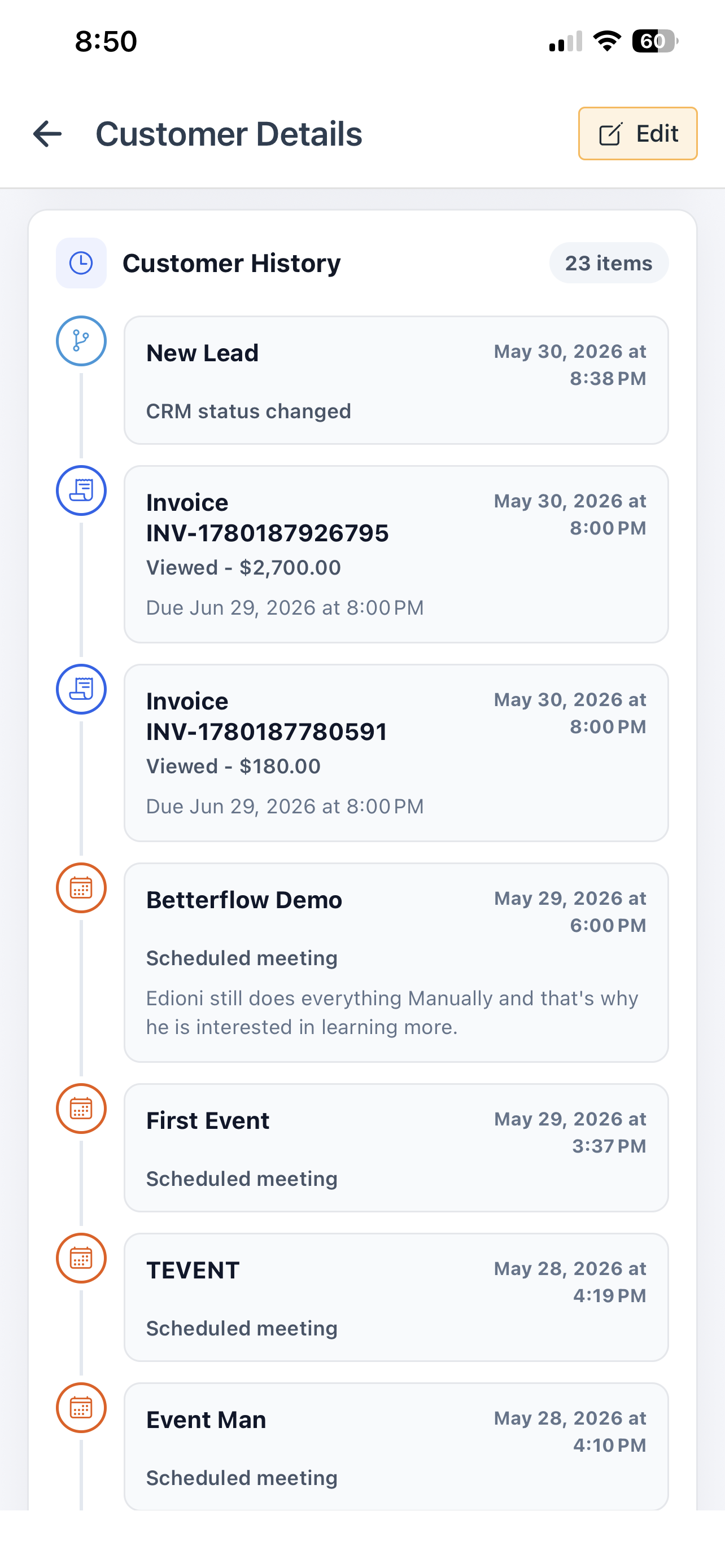
Searchers looking for this kind of software usually do not only need one feature. They need a repeatable path for serving customers, tracking money, and remembering what happened. BetterFlow positions those pieces together.
Answers for service business owners researching software options.
BetterFlow makes scheduling part of the same workflow as customer history and payments.
It is best for appointment-based businesses that need scheduling and payment collection to work together.
Appointments create revenue only when they stay connected to follow-up, invoices, and payment collection.
Invoices, payment links, customer records, and follow-up stay visible in the same service business workflow.